The Coupon Add-On With a Second Job: A Black Friday Browser Audit for UK Homes and Micro-Firms
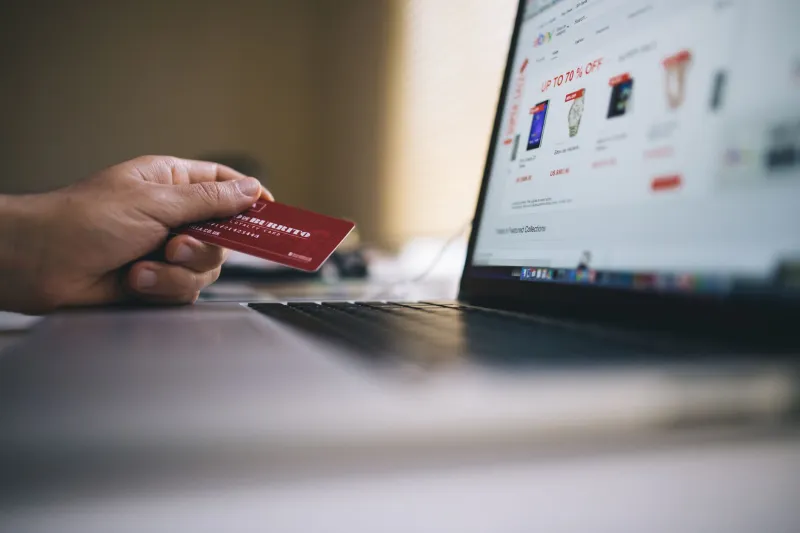
The sales emails are already stacking up. Black Friday 2026 lands on 27 November, and the deal-hunting browser extensions are doing the rounds again: the ones that promise to test every voucher code at checkout, track a price across six retailers, or use AI to 'find you a better offer'. Some are useful. Some are fine. And some are asking for permission to read everything you do in your browser — including the client email you have open in the next tab.
That is the bit worth pausing on. A coupon extension does not need to read your inbox to save you £12 on a coat. If it asks, ask why.
What a deal-finding extension is actually asking for
When you install an add-on in Chrome or Edge, the permission prompt is easy to skim. The important line is often 'Read and change all your data on all websites'. That is not a voucher-specific permission. It is broad access to page content across the web: webmail, your customer relationship management tool, online banking, the HMRC page you have open, the lot. Some extensions also ask to read your browsing history, manage downloads, or 'communicate with cooperating websites'.
Then there is the inbox connection. Some shopping assistants offer to scan receipts or find order confirmations, which means linking a Google or Microsoft account. That is a different level of trust. You are not just giving an add-on a discount code; you are giving it a token that can read email until you revoke it. For a household, that might mean years of receipts. For a micro-firm, it could mean invoices, client threads and password-reset messages.
Why the work laptop is the wrong place for a bargain hunter
Picture a two-person design studio in Norwich. One partner installs a price-tracker on the office laptop because it is the machine already open. The extension has broad site access. It can see the shared inbox in a browsertab, the project management board, the accounting software and the saved passwords the browser has politely offered to fill. Nobody intended to hand a third-party add-on a seat at the desk. It just came in with the discount.
UK small firms do not need a dramatic data breach to have a problem. If client emails or invoice details are exposed through an add-on with unnecessary access, you are in awkward territory under UK GDPR, and you may need to tell the Information Commissioner's Office if personal data is compromised. Even before that, you have broken the confidentiality promise you made in a proposal document. The boring answer is usually the right one: shopping extensions belong in a shopping browser profile, not the one you use for work.
A five-minute permissions audit for Chrome and Edge
Open a new tab and go to chrome://extensions in Chrome, or edge://extensions in Edge. Switch on 'Developer mode' only if you need it — you usually do not. For each extension, click 'Details' and look at 'Site access'. If it says 'On all sites', ask whether that is genuinely necessary. A voucher tool can often be set to 'On click' or limited to specific retailer sites. If you cannot remember installing it, or it has not been used since last winter, remove it.
Check the 'Permissions' section on the same page. Look for 'Read your browsing history', 'Read and change all your data on all websites', and anything about email or clipboard access. An extension that only needs to run on a handful of shopping domains should not be asking for the whole web. Also look at whether it is allowed in private browsing. That is rarely needed for a coupon tool.
Safari is quieter, but not invisible
On a Mac, open Safari and go to Settings > Extensions. Each add-on has a permissions summary. Pay attention to website access: 'Allow for all websites' is the broad setting. You can usually change it to 'Ask' or 'Deny' and then grant access only when you are actually shopping. If an extension offers to read your inbox or connect an account, Safari will show that in the same place. Remove anything you do not recognise. On iPhone and iPad, the same logic applies under Settings > Safari > Extensions.
The inbox connection is the bit people miss
If a shopping add-on asked you to sign in with Google or Microsoft, do not stop at removing the extension. Go to your account permissions page and revoke its access. For Google, that is myaccount.google.com/permissions. For Microsoft, it is under 'Manage how you sign in' and app permissions. Removing the browser add-on does not always cancel the token it was given. Revoking it is the belt-and-braces step.
This matters for small firms because inbox access is where the real damage sits. A malicious or careless add-on with mail access can see password-reset links, supplier bank details and client attachments. It does not need to be a full-blown hack. It just needs to be over-permissioned and forgotten.
Set up a shopping profile, not a shopping habit
Chrome and Edge both let you create separate profiles. Make one called 'Shopping' with no work logins, no saved client passwords and no company email. Use it for Black Friday browsing, then close it. Safari has profiles too, under File > New Profile. This is not a technical fortress, but it is a practical fence. If a deal-finder goes rogue in the shopping profile, it does not have your work session sitting next to it.
Before installing anything this month, ask three questions. Who made it, and can you find a real company behind it? What permissions does it want, and does a voucher tool need them? Does it want your inbox, and if so, are you comfortable with that? If the answers are vague, close the tab. The deal will still be there.
If you have already installed something that felt off, remove the extension, revoke any account access, change the passwords you used in that browser and tell whoever looks after IT — even if that is you, with a cup of tea and a notebook. For a UK micro-firm, a ten-minute browser tidy before the sales rush is cheaper than a difficult conversation with a client in December.